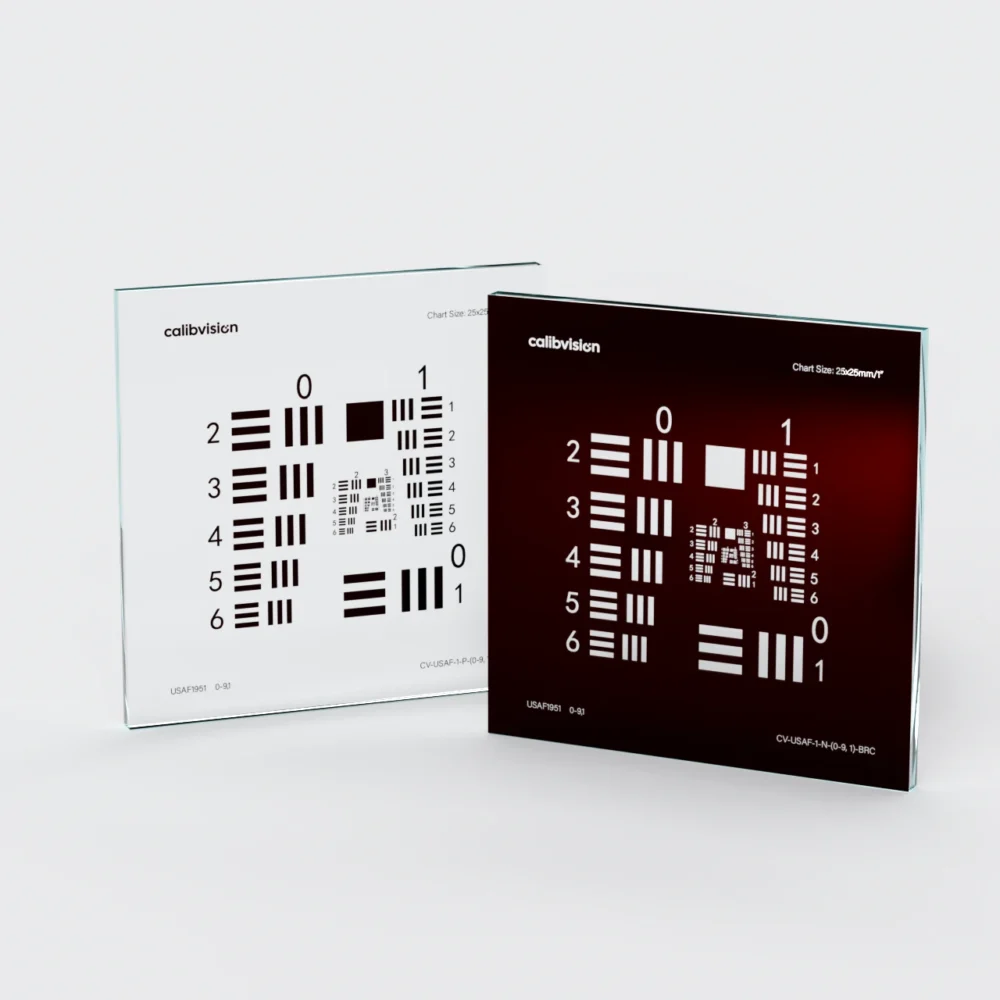
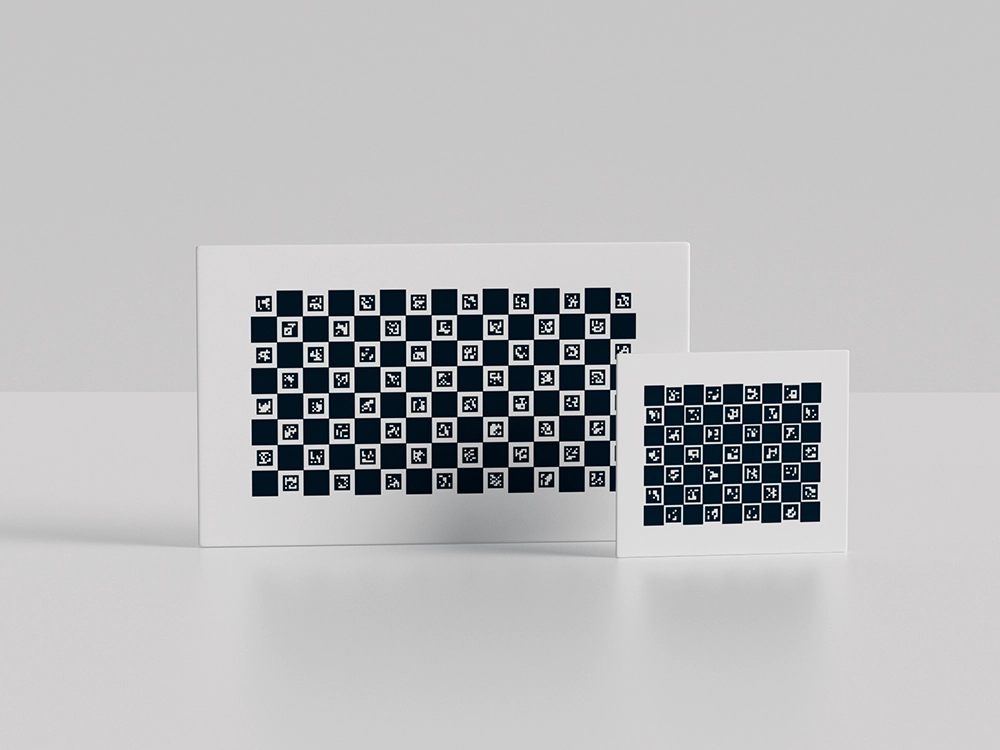
A calibration pattern gives a camera a field of reference points whose geometry is known in advance, so the software can work out the camera’s intrinsics and correct lens distortion. Every common pattern does that job, but they differ along three axes that decide which one is right for you: the feature type the detector measures (a corner, a centroid, or a coded marker), whether each point is individually identified, and which software expects the pattern.
This overview covers the four families you will actually meet — checkerboard, ChArUco, dot/circle grid, and AprilGrid — how they differ, and how to choose by toolchain and application. Each links to a deeper guide where it matters.
What is a calibration pattern?
It is a target carrying a regular, precisely positioned pattern of features. The calibration algorithm locates those features in the image, compares where they landed against where they should be, and solves for the camera model that explains the difference. The accuracy of that model is bounded by two things: how precisely the algorithm can locate each feature, and how accurately the feature was actually placed on the target. The pattern choice governs the first; the substrate governs the second.
The main pattern types at a glance
| Pattern | Feature measured | Coded IDs | Works partly out of frame | Native software |
|---|---|---|---|---|
| Checkerboard | Saddle corners | No | No | OpenCV, MATLAB |
| ChArUco | Corners + ArUco markers | Yes | Yes | OpenCV, MATLAB, HALCON |
| Dot / circle grid | Dot centroids | No* | No | HALCON (CALTAB), OpenCV circles |
| AprilGrid | AprilTag corners | Yes | Yes | Kalibr / ROS |
*Asymmetric circle grids encode orientation but not individual IDs.
Checkerboard — the default
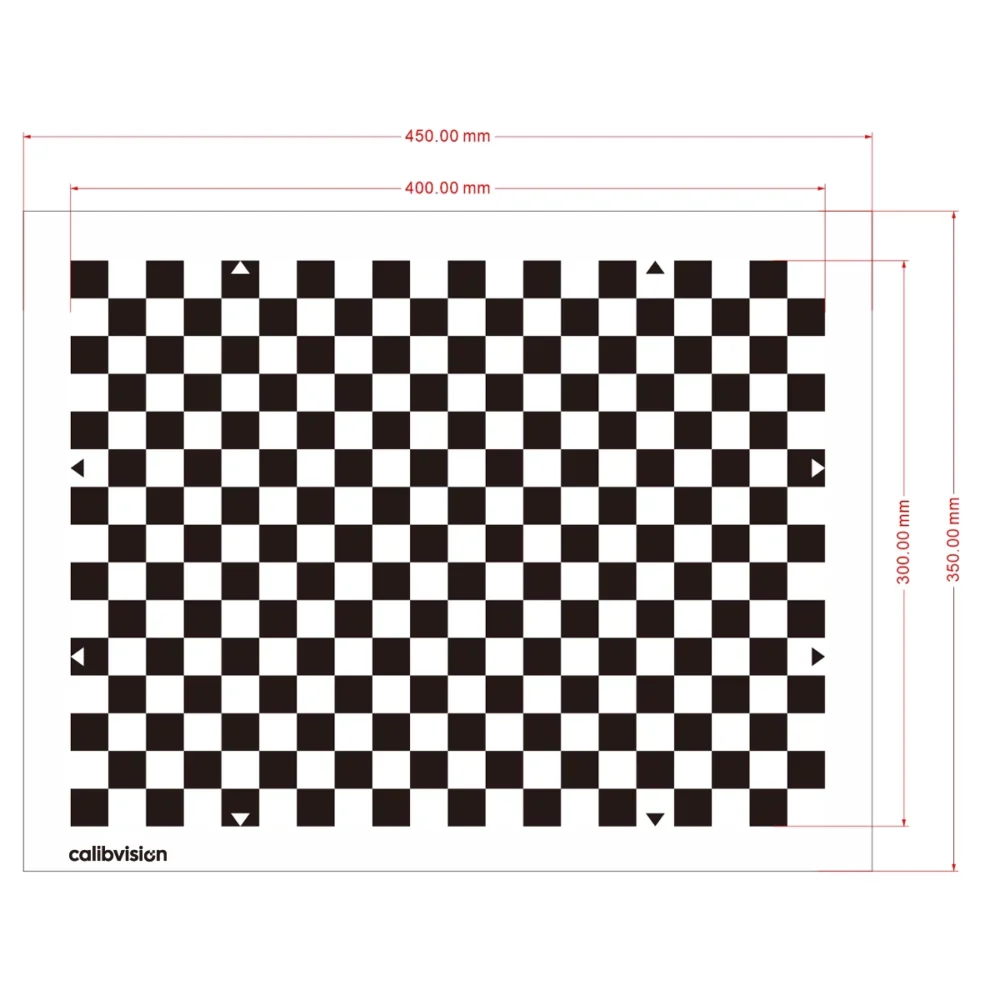
A checkerboard is detected by the saddle corners where four squares meet. Its defining strength is that a corner is projectively invariant — it images to a corner with no systematic offset under perspective — so a checkerboard is unbiased and simple to detect. It is the best-supported pattern in OpenCV and MATLAB and the right default for single or stereo cameras when the whole board stays in view. The trade-off, shared with the dot grid, is that the full pattern must be visible to resolve which corner is which. See checkerboard vs dot grid for the corner-versus-centroid detail, and the ChessMark checkerboard targets for standard models.
ChArUco — the coded checkerboard
A ChArUco board embeds an ArUco marker in each white square, giving every corner a unique ID. That keeps the checkerboard’s sub-pixel corner accuracy while allowing calibration from partial, tilted, or occluded views — which is exactly what wide-angle, fisheye and multi-camera setups need. It is OpenCV-native and also read by MATLAB and HALCON. Full detail is in the ChArUco calibration boards guide, and standard boards are the CH-series.
Dot grid and circle grid — the centroid pattern
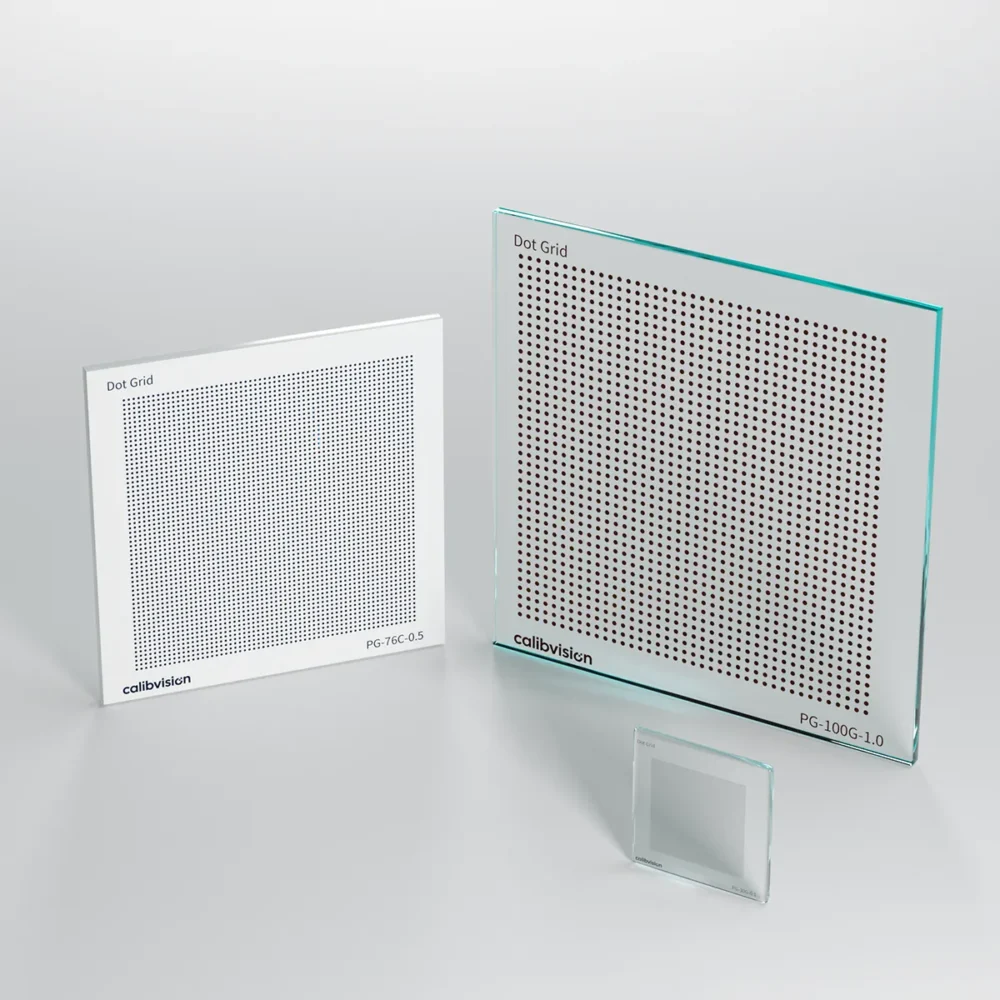
A dot grid is a regular array of solid dots located by their centroids. Averaging over each dot’s area drives random noise very low, and a dense grid gives many points — which is why the dot grid is HALCON’s native, metrology-grade pattern (CALTAB). Its one weakness is a perspective bias: a circle images to an ellipse whose centroid is offset from the true projected center, so the detector must model the ellipse to stay accurate. HALCON does this by design; a naive centroid does not. OpenCV also supports symmetric and asymmetric circle grids via findCirclesGrid, the asymmetric variant adding orientation. Standard dot grids are the PG-series.
AprilGrid — for camera-IMU and robotics
An AprilGrid is a grid of AprilTags, each individually decodable, used mainly by Kalibr in the ROS ecosystem for camera and camera-IMU calibration. Like ChArUco it tolerates partial views, but it uses a different marker family and toolchain, so the two are not interchangeable — order the one your software expects. See the AprilGrid calibration targets guide.
How do I choose a calibration pattern?
Start from your software and your visibility conditions; those two decide it more often than accuracy does.
| Your setup | Recommended pattern |
|---|---|
| OpenCV / MATLAB, full board visible | Checkerboard |
| Wide-angle, fisheye, multi-camera, partial views | ChArUco |
| HALCON metrology / highest precision / backlit | Dot grid (CALTAB) |
| ROS / Kalibr, camera-IMU | AprilGrid |
| OpenCV, orientation without coded markers | Asymmetric circle grid |
Why the substrate sets your accuracy ceiling
Whatever pattern you pick, the calibration cannot be more accurate than the target it is derived from. A laser-printed paper pattern carries ±50–200 µm of positional error and warps, both of which propagate into the result. A photolithographic chrome pattern on a flat, stable substrate removes that error source:
| Substrate | Feature accuracy | Best for |
|---|---|---|
| Quartz glass (blue chrome) | ±0.5 µm | Metrology, thermal/UV, microscopy |
| Soda-lime glass (brown chrome) | ±1 µm | Backlit precision machine vision |
| Matte ceramic (blue chrome) | ±2 µm | Front-lit, rugged production floors |
| Film | ±15 µm | Large-format, portable |
Every CalibVision target ships with a serial-numbered inspection report; NIST/NIM-traceable, CNAS-accredited (ILAC-MRA-recognised) third-party calibration is available on request. What a trustworthy report must contain is covered in how we measure and report target accuracy.
How do I order the right pattern?
Tell us your software (OpenCV, MATLAB, HALCON, Kalibr), your visibility conditions, substrate, size and feature size — or just describe the application and our engineers will recommend the pattern and specify the target. Standard targets ship in 4–6 working days with a dimensional inspection report.