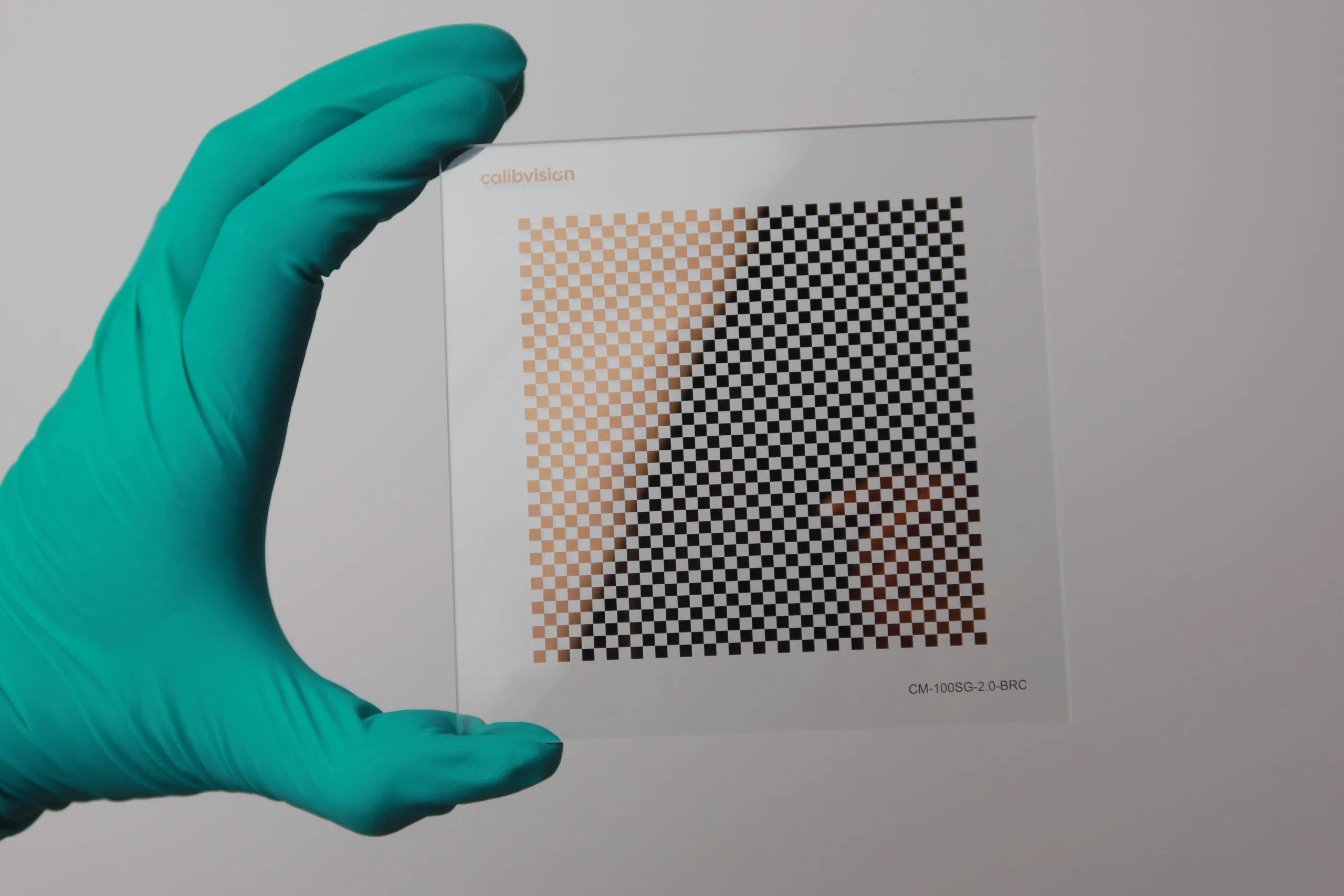
MATLAB calibrates a camera from a checkerboard, through the Camera Calibrator app in the Computer Vision Toolbox. It is stricter about the board than OpenCV in two specific ways, and getting both right is most of the job: the board must have an even number of squares on one edge and an odd number on the other, and MATLAB counts board size in squares, not corners. This guide covers both rules, the detection-to-calibration workflow, stereo and fisheye, and why the physical target sets your accuracy ceiling.
Which pattern does MATLAB use?
The Camera Calibrator (single camera) and stereoCameraCalibrator (stereo) are built around the checkerboard, detected by detectCheckerboardPoints. Recent releases of the toolbox also read ChArUco and AprilTag patterns, but the checkerboard remains the default and the best-documented path, and it is what the rules below assume.
The board MATLAB needs: even on one edge, odd on the other
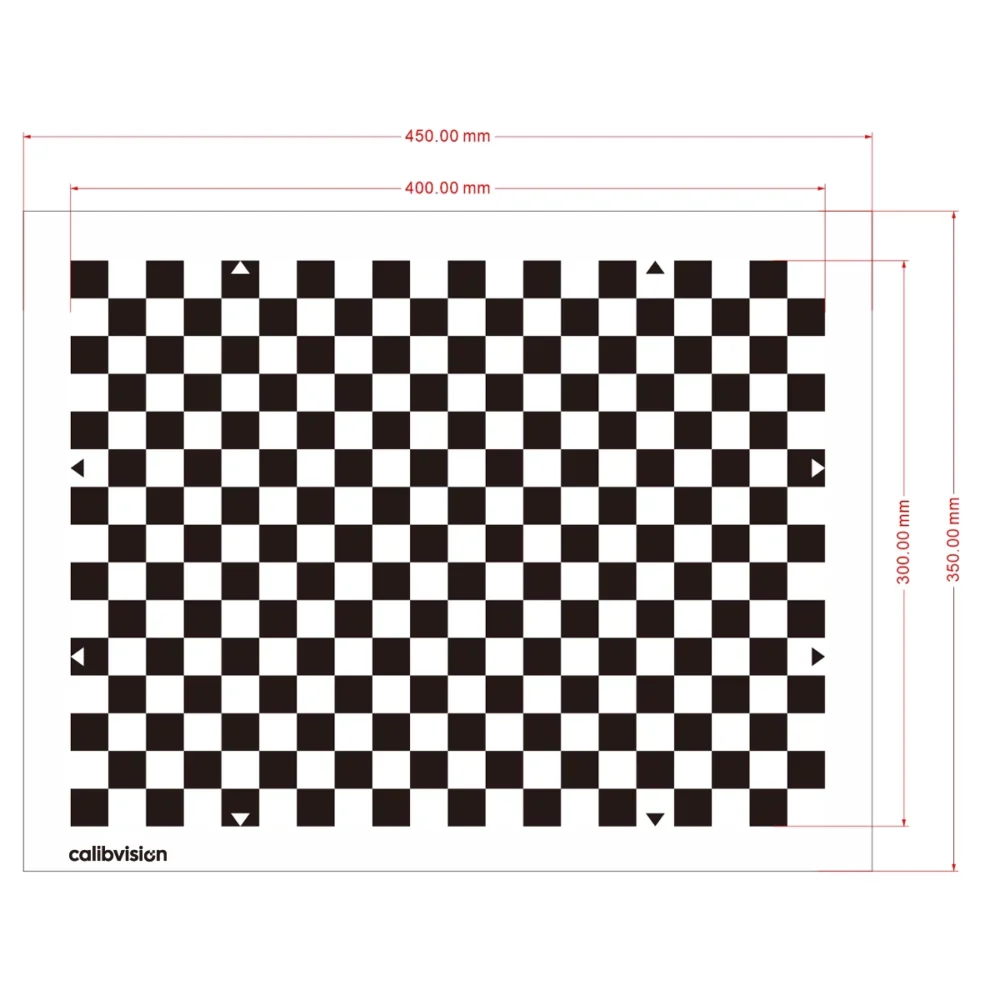
This is the rule people miss. MATLAB fixes the board’s orientation from its corner colours, so it needs a board that is not symmetric. Use a checkerboard with an even number of squares along one edge and an odd number along the other. That asymmetry produces two black corners on one side of the board and two white corners on the opposite side, and the app uses those to set the orientation and place the world origin the same way in every image.
A square board, or one that is even × even or odd × odd, is symmetric — MATLAB cannot tell which way is up, and detection becomes unreliable or fails. If your board doesn’t calibrate in MATLAB, check this first.
Board size is counted in squares, not corners
When you run detectCheckerboardPoints, the boardSize it returns is measured in squares. The points it actually detects are the interior corners — one fewer than the square count in each direction. A board of 10×7 squares reports a boardSize of [7 10] and yields (7−1)×(10−1) = 54 detected points.
Keep this straight when you set the square size: squareSize is the physical edge length of a single square, in your chosen units, and it is what turns pixel measurements into real-world dimensions.
The calibration workflow
You can do the whole thing in the app with no code — type cameraCalibrator at the command line, add your images, and it auto-detects and calibrates. Programmatically, it is three steps:
imageFileNames = {'calib01.png','calib02.png', ...};

% boardSize is in SQUARES; detected points are the interior corners
[imagePoints, boardSize] = detectCheckerboardPoints(imageFileNames);

% World points from the known physical square size
squareSize  = 20;   % mm
worldPoints = generateCheckerboardPoints(boardSize, squareSize);

I = imread(imageFileNames{1});
params = estimateCameraParameters(imagePoints, worldPoints, ...
    'ImageSize', [size(I,1) size(I,2)]);

showReprojectionErrors(params);   % aim for < 0.5 px mean
figure; showExtrinsics(params);
Aim for a mean reprojection error below about 0.5 pixels, and remove any image that sits well above the rest before re-calibrating.
How many images, and how to place the board
Capture 10–20 images that cover the whole field of view with varied tilts and distances — the app itself recommends this range. Fill a good fraction of the frame, include oblique views (they carry the distortion information), and cover the image corners, not just the centre. As always, the board must be flat: any bow is absorbed as false lens distortion.
Stereo and fisheye
For a stereo rig, use stereoCameraCalibrator (or estimateCameraParameters on paired points) — the same even/odd board rule applies, and both cameras must see the board at once. For wide-angle and fisheye lenses, use estimateFisheyeParameters, which fits a model built for severe barrel distortion rather than the standard pinhole model.
Why the physical target sets your accuracy ceiling
MATLAB assumes your board’s geometry is exactly as specified in squareSize. A laser-printed paper checkerboard carries ±50–200 µm of positional error and warps, and both propagate straight into the camera parameters — so the target, not the toolbox, sets the floor. A photolithographic chrome-on-glass target removes that error source:
| Substrate | Feature accuracy | Best for |
|---|---|---|
| Quartz glass (blue chrome) | ±0.5 µm | Metrology, microscopy |
| Soda-lime glass (brown chrome) | ±1 µm | Backlit precision machine vision |
| Matte ceramic (blue chrome) | ±2 µm | Front-lit, rugged production floors |
See how we measure and report target accuracy for what a trustworthy inspection report must show.
Which checkerboards are in stock?
MATLAB-ready checkerboards are the ChessMark (CM-) series — read from the model number CM-[substrate]-[checker mm]-[chrome], 25–127 mm, checkers 0.1–4.0 mm. Order a board with an even/odd square count for MATLAB’s orientation rule, or ask us to spec it.
| Model | Substrate | Overall size | Checker | Accuracy |
|---|---|---|---|---|
| CM-100SG-2.0-BRC | Soda-lime · brown | 100×100 mm | 2.0 mm | ±1 µm |
| CM-100QG-2.0-BLC | Quartz · blue | 100×100 mm | 2.0 mm | ±0.5 µm |
| CM-100C-2.0-BLC | Matte ceramic · blue | 100×100 mm | 2.0 mm | ±2 µm |
| CM-25QG-0.1-BLC | Quartz · blue | 25×25 mm | 0.1 mm | ±0.5 µm |
Full list and options: ChessMark checkerboard targets.
How do I order the right checkerboard?
Send your camera, lens and working distance — or the square count and square size you have chosen — and our engineers will confirm the board (including the even/odd square count MATLAB needs), size and substrate. Standard boards ship in 4–6 working days with a dimensional inspection report.